Downloading Modpacks
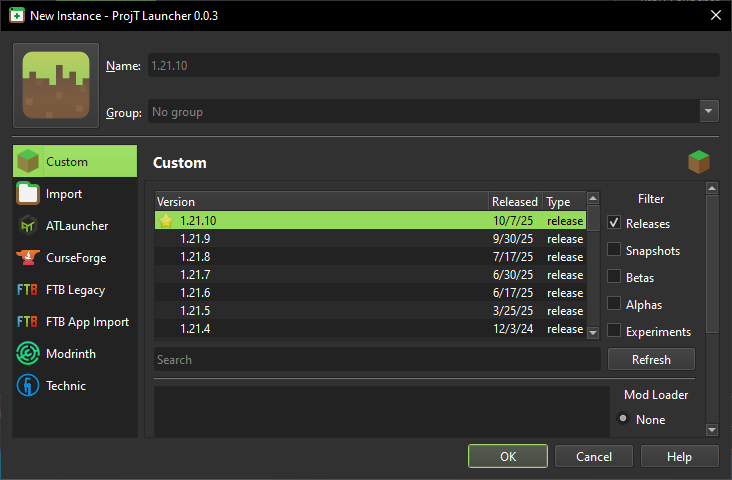
Similar to creating an instance, downloading a modpack can be done through the Add Instance menu. Or alternatively, right click > create instance
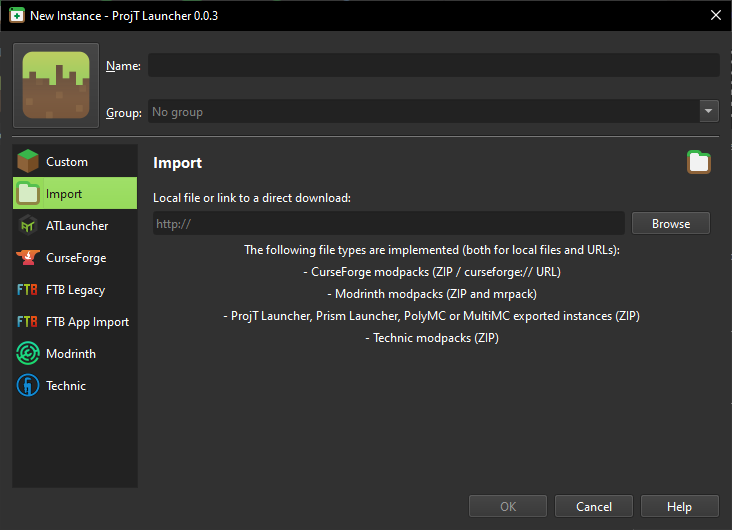
You can now use the sidebar to the left of the window to choose from the following:
- Import
- ATLauncher
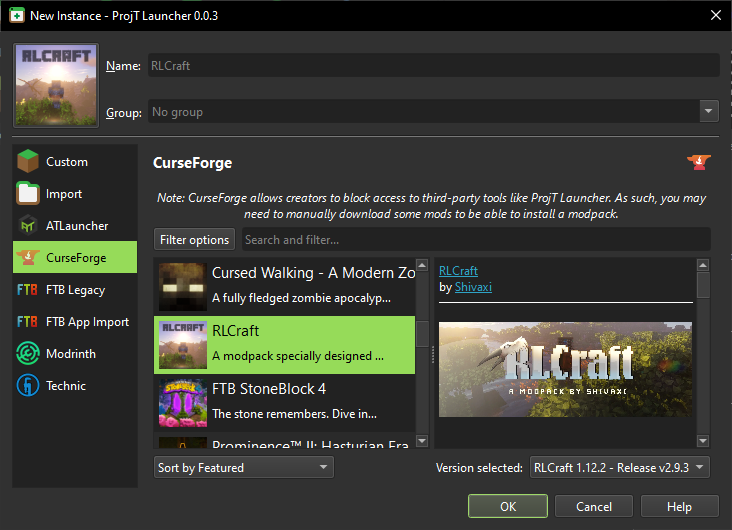
- CurseForge
- FTB Legacy
- FTB App Import
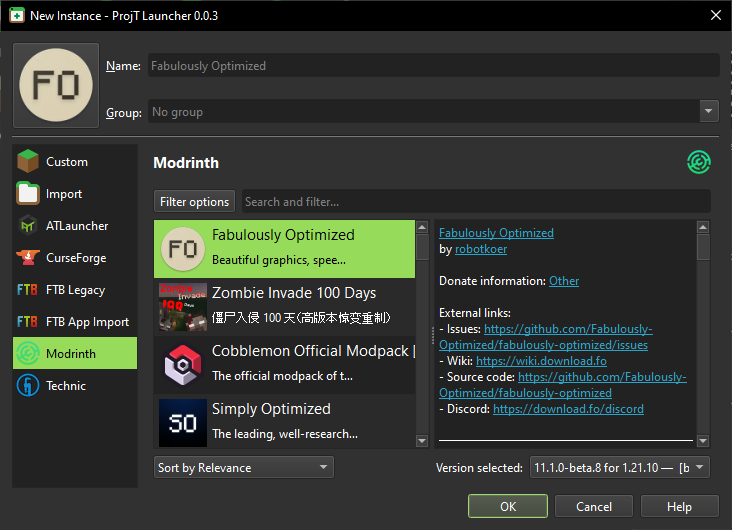
- Modrinth
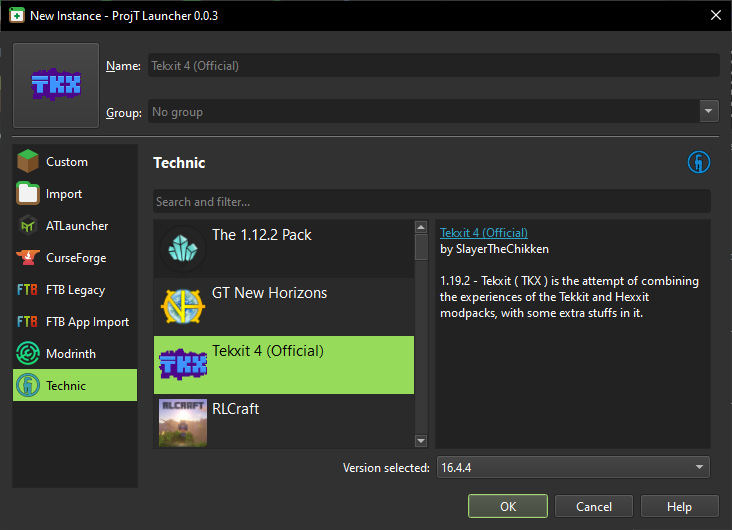
- Technic
After selecting which service you wish to use, you can browse the modpacks which available to install.
The "Import" option assumes that you have manually downloaded a modpack to your computer through other means, and will ask for a .zip or .mrpack archive containing a ProjT Launcher compatible pack.
The FTB App Import option assumes that you have FTB App installed on your PC, and have the modpack installed in FTB App.
Screenshots
CurseForge
Modrinth
Technic
Import
Custom